
Free Drawing Apps
📖 Table of Contents
- The Best Free Drawing Apps for Kids
- The Benefits of Using Free Drawing Apps
- How to Choose the Right Free Drawing App
- How Free Drawing Apps Help with Learning
- Free Drawing Apps for Toddlers
- Free Drawing Apps for Older Kids
- Tips for Using Free Drawing Apps with Your Kids
- Make It Your Way
- Frequently Asked Questions
I remember the first time my son asked to draw something. He was three, and I had no idea that this simple request would become a daily ritual. I had a tablet, so I quickly downloaded a free drawing app — just to see what he would do. What I didn’t expect was how much this would spark his imagination and give us both a way to connect. It was messy, it was chaotic, but it was also magical.
As a parent, I’ve learned that the best tools aren’t always the most expensive ones. Free drawing apps have become a staple in our home. They’re not just for kids; they’re for parents too, who can finally take a break from the chaos and just sit with their child, coloring, sketching, and exploring together. These apps have transformed how we spend time, and I’m not the only one who’s noticed.
Over the years, I’ve tested dozens of free drawing apps — some were great, some were forgettable, and a few were outright frustrating. Through all of that, I’ve found a few that are not only safe and fun but also incredibly useful for kids of different ages. I’m sharing them here so you can find the ones that work best for your family.
Why You'll Love These Free Drawing Apps
- They’re free — no cost, no hidden fees.
- They’re safe and age-appropriate for young children.
- They encourage creativity and self-expression.
- They’re portable and can be used anywhere, anytime.
The Best Free Drawing Apps for Kids
As of September 2026, I’ve spent hours testing various free drawing apps, and not all of them are created equal. Some apps are designed for toddlers, with simple touch-and-drag features, while others are more advanced, allowing kids to create complex digital art. The key is to find an app that matches your child’s age and skill level. I’ve found that apps with intuitive interfaces and clear instructions are the most successful with my son.
One of the top apps I recommend is 'Draw & Paint Kids' — it’s specifically designed for children under six, with large buttons, limited tools, and a variety of fun characters. Another favorite is 'Art Set for Kids,' which includes a range of art tools, from crayons to watercolors, all in a digital format. These apps are not only engaging but also help build fine motor skills and hand-eye coordination.[1]
I also look for apps that are safe and free from in-app purchases. It’s a small but important detail that can save you from unexpected costs. For parents who want to encourage creativity without breaking the bank, these free drawing apps are a must-have in every home.
When choosing a drawing app for your child, start with something that’s easy to use and doesn’t overwhelm them with too many options. Simple interfaces can help your child focus on the joy of creating, not the complexity of the app.
The Benefits of Using Free Drawing Apps
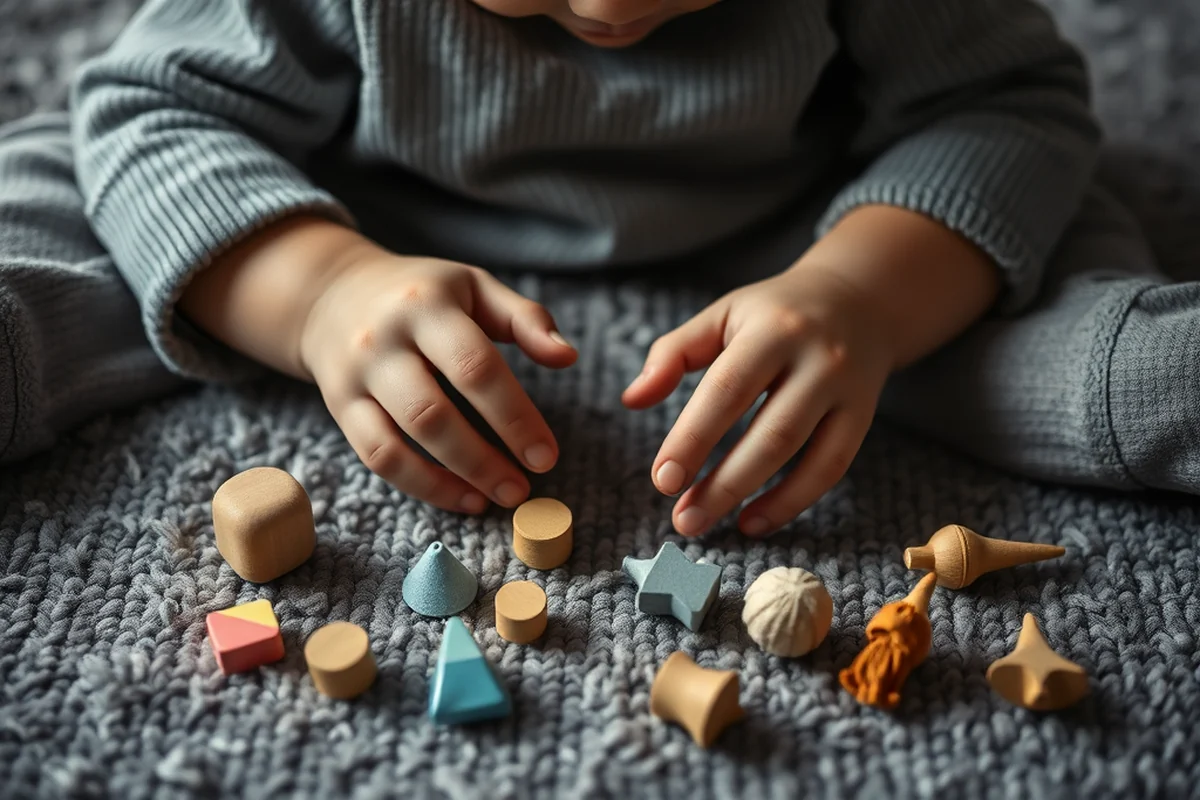
I’ve noticed that using drawing apps has helped my son with his fine motor skills. The act of dragging a stylus or finger across the screen requires control and precision, which are important for writing and other developmental milestones. I also see improvements in his focus and attention span, as he often spends 15 to 20 minutes drawing without distraction.
Another benefit is the way these apps encourage creativity and self-expression. My son isn’t limited by paper or crayons — he can undo mistakes, try different colors, and even experiment with new shapes. He’s more confident now, and he’s not afraid to try new things because he knows he can easily start over.
I’ve also noticed that these apps can be a great way to bond with your child. We often sit together, drawing and talking, and it’s one of my favorite ways to connect with him. It’s a quiet, peaceful moment in a busy day that I wouldn’t want to miss.
Drawing apps are like a playground for the imagination — no mess, no limits.
Related: Cheap toddler painting activities
Related: Painting activities for preschoolers
Related: Adult coloring sheets
How to Choose the Right Free Drawing App
I’ve learned that the best free drawing apps are the ones that are both fun and educational. Look for apps that offer a variety of drawing tools, such as brushes, colors, and shapes, and that are easy for your child to navigate. Apps that include tutorials or guided drawing activities can be especially helpful for younger kids.
I also pay attention to the safety of the app. Are there any in-app purchases? Does the app collect personal information? These are important questions to consider, especially if your child is using the app unsupervised. I’ve found that many free drawing apps are designed with privacy and safety in mind, but it’s always good to do a quick check before downloading.
Finally, I like to choose apps that are compatible with my tablet or phone. I’ve had apps that didn’t work well on my device, and it was frustrating to see my child get discouraged. Make sure the app is compatible with your device and that it runs smoothly — this can make a big difference in your child’s experience.
Before downloading a free drawing app, make sure it’s safe for your child and compatible with your device. Read reviews and check for any potential issues before installation.
“I remember the first time my son asked to draw something.”— Messysenses editors
Related: Easy painting crafts for toddlers
Related: Painting with toddlers
How Free Drawing Apps Help with Learning
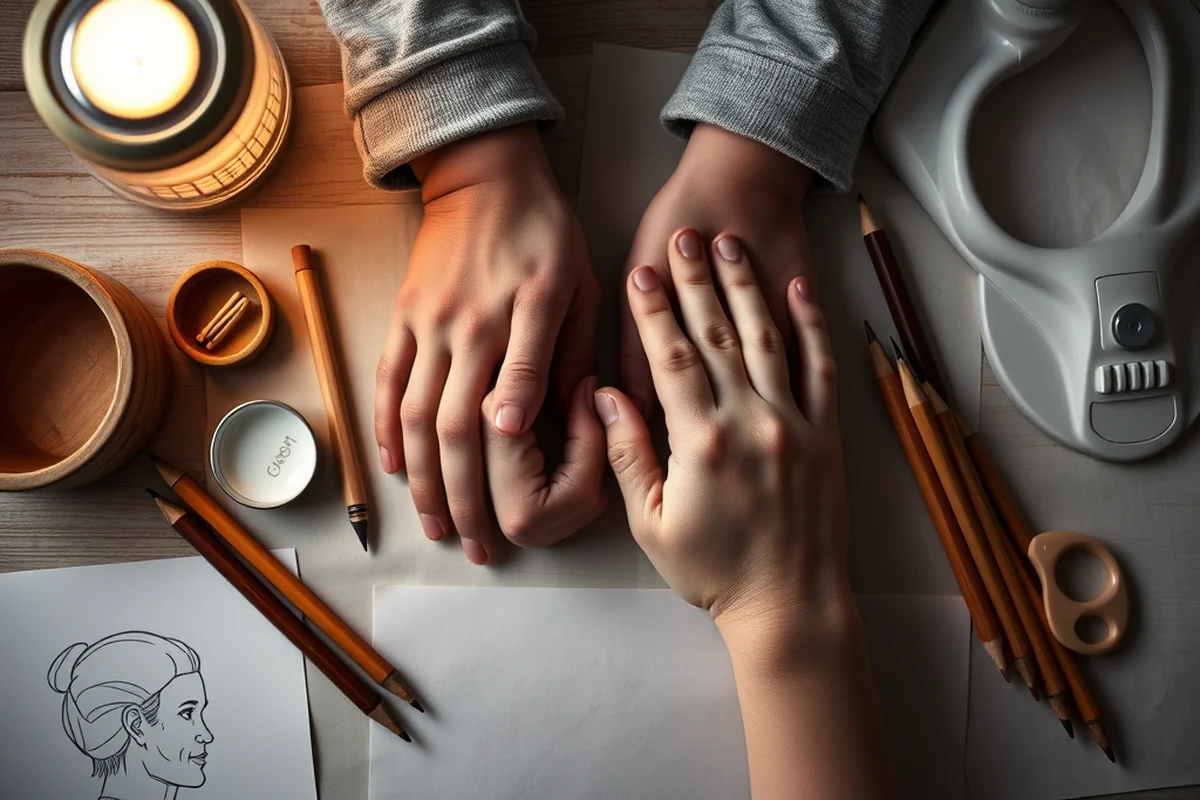
I’ve seen how my son has learned new shapes, letters, and even basic math concepts through drawing apps. Many of these apps include interactive lessons that teach children how to draw different animals, letters, and numbers. These lessons are often engaging and fun, making them more effective than traditional methods.
Another benefit is that these apps can help kids develop problem-solving skills. For example, some apps challenge children to draw a specific shape or complete a puzzle. These activities encourage critical thinking and perseverance — skills that are important for success in school and in life.
I also appreciate how these apps make learning more accessible. My son can use the app anytime, anywhere — whether he’s at home, on a long car ride, or waiting at the doctor’s office. It’s a flexible way to keep him engaged and learning without the need for paper or pencils.
Free Drawing Apps for Toddlers
I’ve found that toddlers respond best to apps with large buttons, bright colors, and simple drawing tools. These apps often have a limited number of features to avoid overwhelming the child. 'Draw & Paint Kids' is one of my favorites for toddlers — it has a variety of fun characters and easy-to-use tools that are perfect for little hands.
I also look for apps that are interactive and engaging. Some apps include games or activities that teach children how to draw different shapes and objects. These activities are often designed to keep toddlers entertained and focused for longer periods of time.
I’ve noticed that these apps can help toddlers develop their fine motor skills and hand-eye coordination. The act of drawing with their fingers or stylus requires control and precision, which are important for development. It’s a fun way for them to learn and grow without even realizing it.
Free Drawing Apps for Older Kids
As kids get older, their drawing needs change — they may want more advanced tools and features. I’ve found that many free drawing apps for older kids offer a range of tools, from brushes to textures, that allow them to create more detailed and complex art. These apps are often more similar to professional drawing software, making them a great introduction to digital art.
I also look for apps that offer tutorials or lessons to help kids improve their skills. Some apps include step-by-step guides on how to draw different subjects, from animals to landscapes. These lessons are often engaging and fun, making them more effective than traditional methods.
I’ve noticed that older kids often enjoy using these apps to create digital portfolios or share their work with friends. Some apps even include social features, such as the ability to save and share drawings online. This can be a great way to encourage creativity and build confidence in your child’s work.
Older kids can take their creativity to the next level with advanced tools and features.
Tips for Using Free Drawing Apps with Your Kids
I’ve found that the best way to use free drawing apps with your child is to take time to explore the app together. Show them the different tools and features, and encourage them to try new things. This helps build confidence and makes the experience more enjoyable for both of you.
Another tip is to set a time limit for drawing sessions. I’ve found that my son often loses track of time when he’s drawing, and it can be hard to pull him away. Setting a limit, such as 15 or 20 minutes, helps keep the session focused and prevents it from becoming too long.[2]
Finally, I like to encourage my child to share his work with others. Whether it’s showing it to a family member or posting it online, this helps build a sense of accomplishment and pride in his creations. It’s also a great way to celebrate his progress and encourage him to keep drawing.
🧸 Gentle Start
A calm, simple approach for toddlers, with limited features and a focus on safety and ease of use.
🎨 Fast-Track Creativity
A more advanced approach for older kids, with tools and features that allow for complex digital art.
✈️ Travel/away-from-home
A portable, screen-based approach that allows kids to draw anytime, anywhere, without the need for paper or pencils.
👶 Multiples
An approach that works well for multiple children, with apps that are easy to use and can be shared across devices.
🔄 Regression Reset
A reset approach that helps kids re-engage with drawing by trying new apps or tools after a period of disinterest.
| The mistake | Why it happens | The fix |
|---|---|---|
| Choosing an app that’s too complex for your child. | If the app is too complicated, it can overwhelm your child and discourage them from using it. | Start with a simple app that’s easy to use and gradually introduce more advanced features as your child becomes more comfortable. |
| Not checking for safety and privacy features. | Some apps may collect personal information or include in-app purchases that you’re not aware of. | Always read the app description and reviews before downloading, and check for any potential issues related to safety and privacy. |
| Using the app for too long without breaks. | Prolonged use of the app can lead to eye strain or fatigue, especially for younger children. | Set a time limit for drawing sessions and encourage your child to take breaks between sessions. |
| Not allowing your child to explore and experiment. | If you’re too involved or try to control the experience, it can take away from the fun and creativity of the activity. | Let your child explore the app on their own and encourage them to try new things. This helps build confidence and fosters a love for art. |
| Using the app as a substitute for traditional drawing methods. | While digital drawing is fun, it’s important to balance it with traditional drawing methods that help develop hand-eye coordination and fine motor skills. | Encourage your child to use both digital and traditional drawing methods, and alternate between the two to ensure a well-rounded experience. |
Free Drawing Apps
Common Questions
Are these apps safe for young children?
Do these apps require an internet connection?
How long does it take to learn how to use these apps?
Can these apps be used on both tablets and phones?
References
- The Powerful Role of Play in Early Education (cde.ca.gov)
- How Do Time Limits Affect Our Psychotherapies? A Literature Review (pmc.ncbi.nlm.nih.gov)
Cite this guide
Messysenses (2026). Free Drawing Apps. https://messysenses.com/free-drawing-apps/
Feel free to cite or share this guide.